
AI invoice processing explained: how PDFs and photos move into approved records, why human review stays mandatory, and what drives project cost.
- شركة برمجيات مصرية منذ 2010
- دعم فني على واتساب
AI Invoice Processing: PDFs, Review Step and Cost Drivers
How automated reading moves supplier PDFs and phone photos into your accounting or ERP fields, why human review stays essential, and what determines project cost.
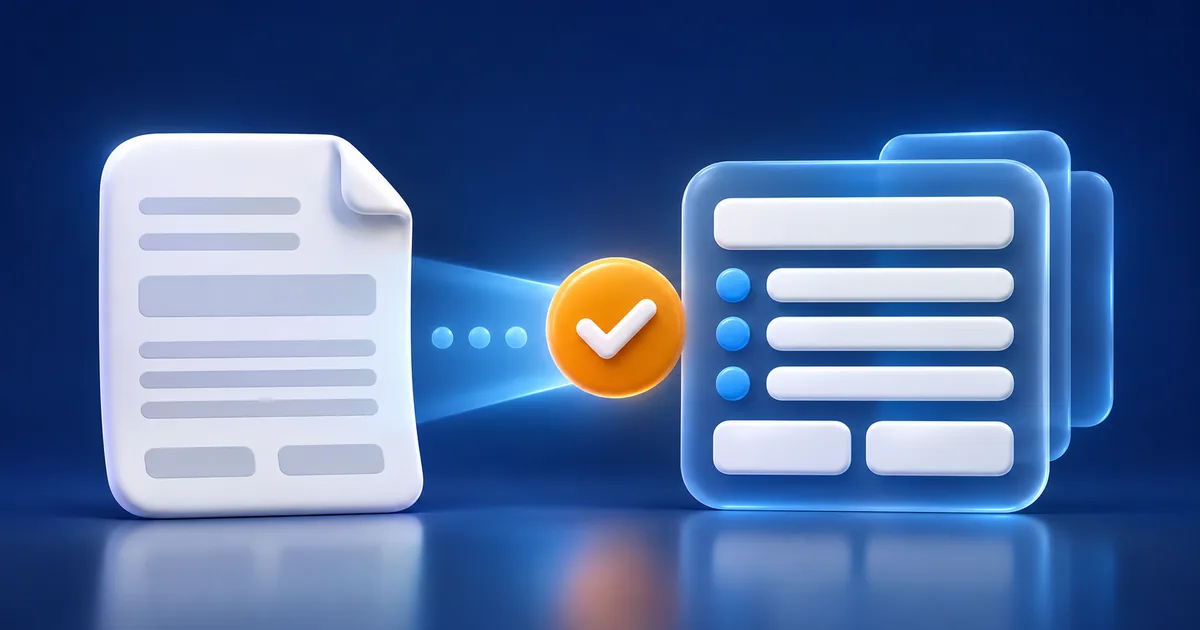
In short: AI invoice processing reads fields from PDFs and phone photos, shows the extracted numbers beside the original document, and lets a staff member verify and approve them before anything enters your accounting system or Excel sheet. No automated reader is right on every tilted scan or stamped page, so human review is built in from day one. PRMAGLY’s document analysis and sample test service starts from 50 USD, and the full build is quoted only after you see real test results.
How AI invoice processing works from PDF or photo to approved record
In many small offices, supplier invoices arrive by email or WhatsApp, and a staff member opens each file, reads the supplier name, invoice number, date, and totals, and types them into a spreadsheet or accounting program. AI data extraction from documents removes the repetitive typing while leaving verification with your team.
On our AI document reading page and AI automation hub, the workflow follows four clear stages:
- Capture into the right file. An invoice PDF or photo arrives via email, upload, or WhatsApp and attaches directly to a supplier or request record rather than sitting lost in chat threads.
- Field extraction. A document-reading engine extracts the required fields (such as supplier name, document number, dates, and line or total amounts) into structured form boxes, flagging uncertain values instead of marking them verified.
- Side-by-side staff review. A reviewer opens a screen that places the original invoice image next to the extracted fields, fixes any misread character in one click, and approves.
- Export or sync only after approval. Only approved records move forward into your accounting database, internal system, or Excel export. Unreviewed rows never pollute your ledger.
Notice the difference between standalone OCR tools and ai document processing software built around your system. A generic OCR tool hands you raw text or a CSV file that your team still has to clean and paste. System-integrated extraction links the file to your supplier record, enforces your field names, tracks who approved it, and delivers the final output where your team works.
Why human review stays mandatory in invoice extraction
Any vendor promising 100% accuracy on supplier invoices is ignoring how real paperwork looks. As we explain on our AI document data extraction service page, real files include tilted mobile photos, glare from overhead lights, stamps stamped right over a name or total, faded thermal receipts, handwritten notes, and mixed Arabic and English text.
A single misread digit in an invoice number or total can create a duplicate payment or an accounting mismatch, and without a review step, software simply moves errors into your books faster than manual typing. Designing the review screen first shifts the employee’s job from typing every field from scratch to confirming or correcting pre-filled fields in seconds.
Simple capture guidance also cuts re-reads dramatically: ask suppliers or field staff to photograph the full document flat from above in good light, avoid flash glare, and send one document per image.
What PRMAGLY has built for document extraction
To be transparent, PRMAGLY’s published live case study for document extraction is a custom operations system built for a travel company rather than a public accounting case study. In that system, customer passport photos arrive on WhatsApp, attach to the traveler’s request file, and a separate document-reading engine (paired with a Laravel and MariaDB backend) extracts names, passport numbers, and dates for staff review before Excel export.
We apply the exact same architecture to passports, IDs, and supplier invoices: keep the source image beside the form, require human approval, and test on your real files first. We do not publish unverified accuracy percentages or hours-saved claims, because reading performance changes with document quality.
When manual entry is still cheaper than AI invoice processing
Automated extraction is not worth building for every company. Based on our decision checklist on the AI documents page, keep typing by hand if:
- Your monthly invoice volume is low (a handful of documents a week costs less to enter manually than to automate).
- Every document arrives in a completely different, unpredictable format with no recurring fields.
- Your real bottleneck is waiting on manager approvals rather than typing fields.
- You do not yet have a structured spreadsheet or system for the extracted data to land in.
Cost drivers: how AI invoice processing projects are priced
Our AI automation cost guide splits every project into four parts: scope, build, monthly running costs, and upkeep. We do not publish a single flat price for a full invoice system because the work scales with six real drivers:
| Cost part / driver | What increases or lowers the work |
|---|---|
| 1. Analysis and sample test (Scope) | PRMAGLY’s document extraction analysis and sample test starts from 50 USD. An extended 20-document test add-on is 50 USD. Neither includes the full build. |
| 2. Document types and layouts | One recurring supplier invoice style is simpler than dozens of vendors with different tables and currencies. |
| 3. Input quality and languages | Clean digital PDFs read more predictably than phone photos; Arabic and English bilingual documents and RTL interfaces take extra layout and testing work. |
| 4. Exceptions and review screen | Handling missing totals, duplicate invoice numbers, and building a fast side-by-side approval screen. |
| 5. System connections | Writing to one Excel template is smaller than syncing with an accounting system, ERP, and WhatsApp intake together. |
| 6. Monthly running costs & upkeep | Workflow tools (e.g., n8n Starter from 20 EUR/month billed annually or Zapier from $19.99/month, checked 12 Nov 2026), AI token fees, hosting, and updating rules when a supplier changes their invoice layout. |
Because you receive a written field list, a real sample test showing both successes and mistakes, and a separate build quote before committing to full development, you never pay for a large build before seeing how your own invoices behave.
Privacy questions to ask before sending invoices to any tool
Invoices and IDs carry commercial and personal data. Before adopting any tool or custom build, ask for written answers to five questions from our AI documents privacy checklist:
- Are files read on the provider’s server or sent to an external AI API, and in which country?
- Is the original image retained after extraction, and when is it deleted?
- Are your invoices ever used to train or improve someone else’s model?
- Which staff roles can view source documents versus only approved totals?
- If you leave the service, in what format are all your records and files handed over?
When testing a sample with PRMAGLY, we ask you to send non-sensitive samples or mask private fields first, and we confirm data handling in writing before processing live documents.
Also see: systems we built at PRMAGLY (real travel, shipping, POS, and document systems).
Sources
- PRMAGLY: AI document data extraction service (from 50 USD)
- PRMAGLY: Reading documents with AI
- PRMAGLY: AI automation for small business
- PRMAGLY: AI automation cost in 2026
- n8n Plans and Pricing and Zapier Plans and Pricing (opened 12 November 2026)
Want to test AI invoice processing on your own documents first?
PRMAGLY builds custom systems and document workflows from Giza since 2010 for companies worldwide. Send a few masked sample invoices on WhatsApp at +20 100 693 7070 or start with our AI document data extraction analysis (from 50 USD). You see real test output before quoting any build.
خدمات مرتبطة
- تصميم مواقع الشركات في مصر
- إنشاء متجر إلكتروني
- برمجة مواقع وأنظمة خاصة
- ايميل رسمي للشركات
- أتمتة واتساب للشركات
- نظام شركات السياحة